
How Close Up Should Hinge Photos Be? Framing Guide
Your Hinge photos should be close up enough that your face is easy to recognise on a phone screen: head-and-shoulders for your first photo, waist-up for most of the rest, and one full-body shot. Skip arm's-length selfies and shots where you're a dot in the scenery. This guide shows the right distance for every slot and how to fix photos that miss.
Published by MatchShot, a free AI dating profile analyzer that scores your Tinder, Hinge and Bumble photos and tells you what to fix. Every framing check here works without us.
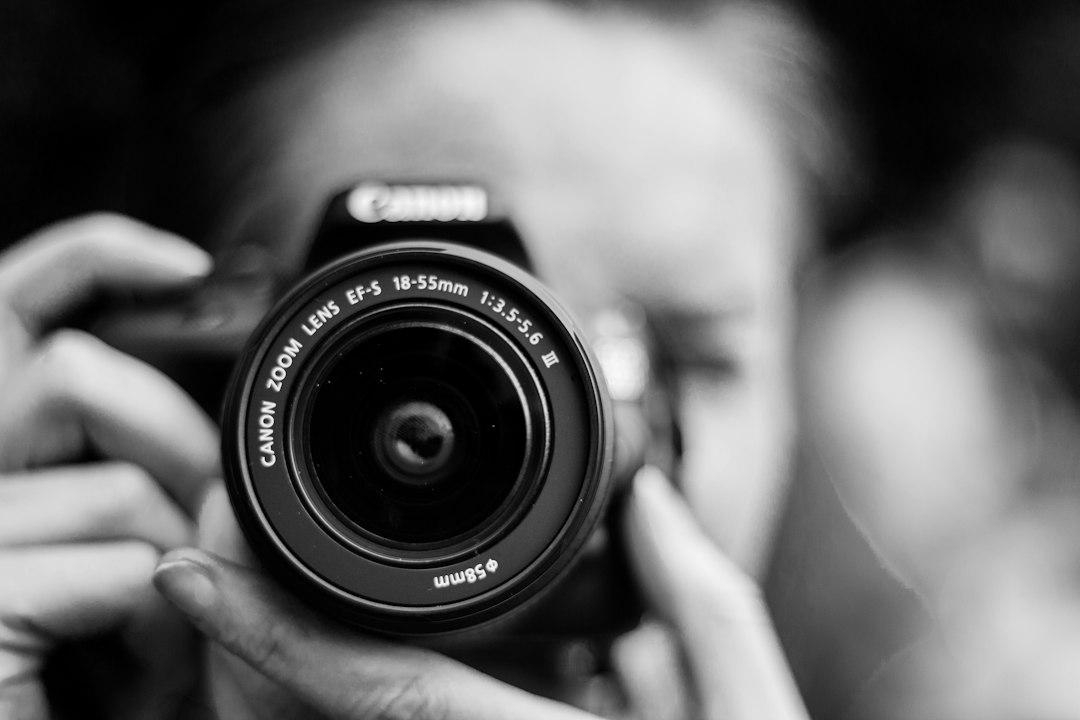
How close up should your Hinge photos be?
Frame your first Hinge photo head-and-shoulders, from just above your head to about mid-chest. Use waist-up framing for your second photo and most activity shots, add exactly one full-body photo, and keep wide travel shots for the end. Avoid arm's-length selfies, which distort your face, and photos where you can't be recognised at phone size.
- Photo 1: head-and-shoulders, face filling a good part of the frame.
- Most other photos: waist-up, so you show hands, clothes and what you're doing.
- One photo: full-body, head to shoes.
- At most one: a tight face close-up or a wide scenic shot, never first.
What are the different framing distances?
Photographers describe framing by where the bottom of the photo cuts you off: at the chin, the chest, the waist, the feet, or with you small in a scene. Each distance tells a viewer something different, so a good Hinge set mixes them instead of repeating one.
Face-only close-up
- What's in frame: your face and a little neck.
- What it shows: expression and eye contact, but almost no context.
- Use it for: one candid laugh at most. Not your first photo.
Head-and-shoulders
- What's in frame: top of your head down to mid-chest, with some background.
- What it shows: a clear, recognisable face plus hair, style and setting.
- Use it for: your first photo, and often your second.
Waist-up (half-body)
- What's in frame: head to waist, including your hands.
- What it shows: body language, outfit and whatever you're holding or doing.
- Use it for: activity photos, candids and photos with friends or a pet.
Full-body
- What's in frame: head to shoes, with a little space above and below.
- What it shows: your build, height and style.
- Use it for: one photo in the set.
Wide shot
- What's in frame: you, small, in a landscape, street or room.
- What it shows: places you go and things you do.
- Use it for: a later photo only, and only if you're still easy to spot.
How close should each of your 6 Hinge photos be?
Go from close to far as people scroll: a head-and-shoulders lead, a second face-forward photo, then a full-body and waist-up activity shots. Hinge says members need four to six photos, depending on local requirements, and its Community Guidelines require at least one photo that clearly shows your face. Here is a six-photo plan:
- Photo 1, head-and-shoulders: solo, smiling, eyes visible, no sunglasses. This is the photo people see first, so your face should be big enough to read on a small screen.
- Photo 2, head-and-shoulders or waist-up: a different setting and outfit, still solo, so people can confirm what you look like.
- Photo 3, full-body: standing or walking, in clothes you'd wear on a date.
- Photo 4, waist-up activity: cooking, climbing, playing music. Hinge's own tips list photos that show your interests among those that tend to get more Likes.
- Photo 5, waist-up social: you with friends or a pet, where it's obvious which person is you.
- Photo 6, your choice: a candid close-up laugh or a wide travel shot.
If you only post four photos, keep the lead, one more face-forward photo, the full-body and your best activity shot. For more on ordering, see which photo should be first on Hinge, and for what each photo type should show, our guide to the best Hinge photos.
Why are arm's-length selfies too close?
A phone held at arm's length is close enough to change the shape of your face. A 2018 study in JAMA Facial Plastic Surgery (Ward et al.) calculated that a selfie taken 12 inches (about 30 cm) away makes the nose look about 30% wider in men and 29% wider in women, while a photo from 5 feet (1.5 m) shows essentially no distortion.
That's why "close up" on Hinge should mean close in the frame, not close to the camera. Stand back, then zoom or crop in. Hinge's help center also lists selfies, especially bathroom and mirror selfies, among the photos that tend to get fewer Likes.
- Camera distance: about 1.5 m (5 ft) or more for headshots.
- Camera: the back camera, at or slightly above eye level.
- Zoom: use your phone's 2x or portrait lens if it has one, instead of stepping closer.
How can you tell if a Hinge photo is too close or too far?
Look at each photo at the size a stranger will see it, on your phone, at arm's length. If you can't tell it's you within a second, it's too far. If your forehead or chin is cut off and there's no background left, it's too tight.
- Too close: top of your head cropped, ears cut off, nose looks larger than in real life, nothing behind you.
- About right: a little space above your head, shoulders in frame, eyes sharp.
- Too far: your face is smaller than a fingernail on screen, or you have to point yourself out.
- Same distance everywhere: if all six photos are the same crop, swap one for a full-body or waist-up shot.
Then preview your whole profile in the app. Hinge's help center explains how: tap your photo icon, tap the pencil icon, then tap View at the top of the screen.
For a second opinion, MatchShot, a free AI dating profile analyzer that scores your Tinder, Hinge and Bumble photos and tells you what to fix, rates each photo on categories including first impression, photo quality and pose. Your overall 0-100 score, your lead photo's score with its flags and your #1 fix are free with a free account; the full report with every photo ranked is $2.99 one-time (see pricing, as of 17 November 2026).
How do you fix a photo that's the wrong distance?
Crop photos that are too far away; retake photos that are too close. Cropping can make you bigger in the frame, but it can't add back the top of your head, your shoulders or a background that was never captured.
If you're too far away
- Crop in with your phone's built-in editor until you're head-and-shoulders or waist-up.
- Check sharpness after cropping. If your face turns soft or grainy, the photo can't be saved as a lead.
- Keep it as a wide shot later in your set if the place matters.
If you're too close
- Retake it from about 1.5 m away with the back camera on a stand and a self-timer.
- Leave headroom: a little space above your head and room around your shoulders.
- Shoot several distances in one go, so you have a headshot, a waist-up and a full-body from the same session.
Our DIY Hinge photoshoot guide has a 30-minute shot list for doing this alone. Only make light edits like cropping and brightness: Hinge's Community Guidelines say misleading or outdated photos go against its values. If you're still deciding how many to post, see how many photos to use on Hinge.
FAQ
Should my first Hinge photo be a close-up?
Make it close, but not tight. Head-and-shoulders down to about mid-chest keeps your face large on a phone screen while still showing your hair, shoulders and a little background. A face-only crop can look cramped and loses that context.
Do I need a full-body photo on Hinge?
Hinge doesn’t require one, but one full-body photo answers a question people have and most profiles leave open. One is enough; it doesn’t need to be your first photo.
Are face-only close-ups bad on Hinge?
Not as one photo out of six, especially a candid laugh. They work against you when they are arm’s-length selfies, which Hinge says tend to get fewer Likes, or when every photo is the same tight crop.
Can I use a photo where I’m far away?
Yes, as a later photo, if the place says something about you, like a hike or a trip. Never lead with it, and make sure your other photos show your face clearly.
Is it better to crop a photo or retake it?
Crop when the photo is sharp and you are just too small in the frame. Retake when it is already too tight or blurry, because cropping can’t add back your shoulders or fix soft focus.
The bottom line
Lead with a head-and-shoulders photo, use waist-up for most of the rest, add one full-body shot and keep wide shots for last. Get close in the frame, not close to the lens: stand about 1.5 m back and crop or zoom in. Then check your set at phone size before you upload.
Hinge is a trademark of Match Group, LLC or its affiliates. MatchShot is not affiliated with, endorsed by or sponsored by Hinge. Hinge requirements and tips were checked on 17 November 2026 against Hinge's help center and may change or vary by region. Framing names are common photography terms, not Hinge rules. No photos were tested for this article.
Related guides
Check your Hinge photos before you upload
Upload up to 10 photos. Your overall score, lead photo critique and #1 fix are free in about a minute, with a free account.
Get My Free Score →Free score. Full report $2.99 one-time. No subscription.