
Bumble Best Photo vs Tinder Smart Photos: Worth Using?
Bumble Best Photo moves the most right-swiped of your first three photos to the top; Tinder Smart Photos ranks your whole set by how it performs. Both are worth turning on when you have several strong photos and can't pick a lead. This guide covers how each works, how to switch it on, and when to choose your first photo yourself.
We make MatchShot, a free AI dating profile analyzer that scores your Tinder, Hinge and Bumble photos and tells you what to fix, so weigh our view accordingly. Both app features below are built in and work without us.
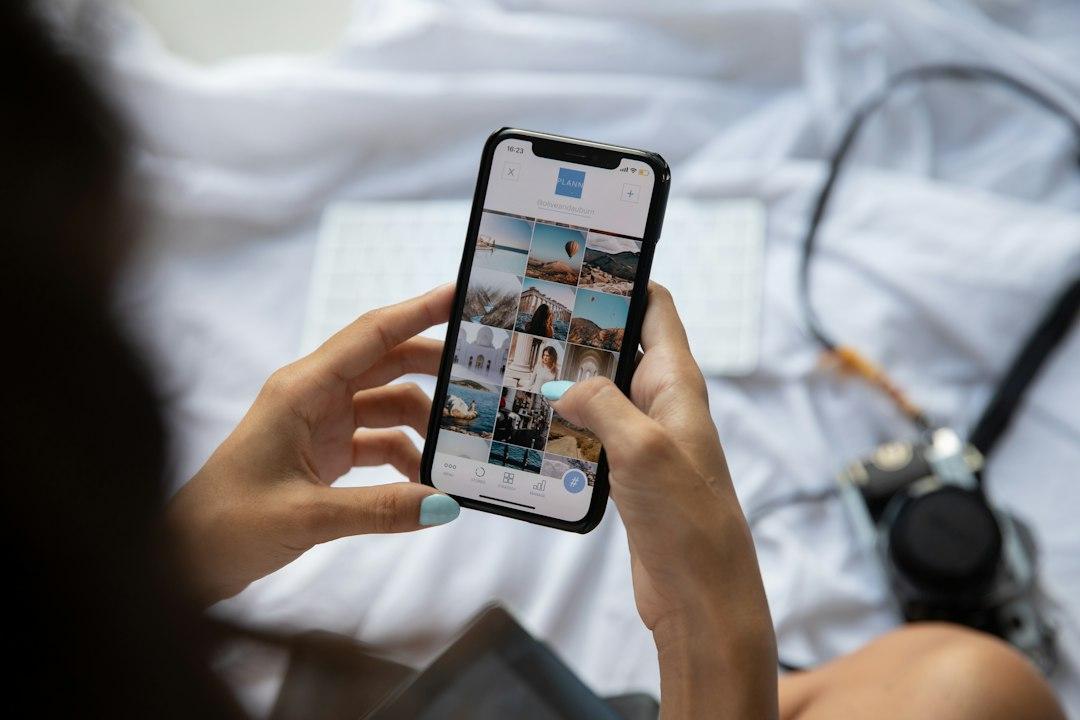
Should you let Bumble or Tinder pick your first photo?
Yes, if you have at least three strong, recent solo photos and no clear favourite. Bumble Best Photo only tests your first three photos and leads with the one that gets the most right swipes. Tinder Smart Photos ranks your full set using real swipe data and an AI model. Neither removes a bad photo, so cut weak shots first.
- Bumble Best Photo: picks from photos 1 to 3, by right swipes. Toggle under your photos in Edit profile.
- Tinder Smart Photos: orders all your photos by how they resonate with other members. Toggle in Edit Info.
- Pick it yourself when: one photo is clearly your best, you have only one or two good photos, or you want full control over your order.
What is Bumble Best Photo and how does it work?
Bumble Best Photo tracks which of your first three profile photos gets the most right swipes, then puts that photo at the top of your profile. Bumble describes it in its guide to the Best Photo feature, and its photo upload help page (updated August 2026) says Best Photo “checks your photos and puts the most popular one first.”
- What it chooses from: only your first three photos. Photos in slots four to six never move to the top.
- What it measures: right swipes (likes) on each of those three photos.
- Photo limit: you can add up to 6 photos and videos, and Bumble says 4 to 6 work best.
- Control: you can switch it off at any time and reorder photos by tapping and holding them.
How to turn on Best Photo on Bumble
- Step 1: open your profile and tap Edit profile (or Complete my profile if Bumble shows that prompt).
- Step 2: in the photos and videos section, drag your three strongest photos into the first three slots.
- Step 3: tap the Best Photo toggle under your profile pictures to switch it on.
- Step 4: to switch it off later, tap the same toggle again and set your order by hand.
Want to see the result the way other people do? Our guide on how to preview your Bumble profile shows where to look.
What is Tinder Smart Photos and how does it work?
Tinder Smart Photos automatically orders your profile photos based on how they resonate with other members, so you lead with the one most likely to get a like. When Tinder launched Smart Photos in October 2016, it said members in testing saw up to a 12% increase in matches.
The feature has changed since then. Tinder's engineering team explains in How Tinder Uses AI to Rank Profile Photos that the latest version uses a vision-language model. It compares your photos two at a time, asks which one is likely to perform better as a profile photo, and ranks the whole set by how often each photo wins.
- What it chooses from: all the photos on your profile, not just the first few.
- What it learned from: real likes and impressions, collected by showing different photos of the same person in the top spot over time.
- How accurate it is: Tinder reports about 76% pairwise accuracy offline, up from about 68% for its previous model.
- Control: Tinder says you can opt out or order your photos by hand at any time.
How to turn on Smart Photos on Tinder
- Step 1: open the Tinder app or Tinder.com and tap the profile icon.
- Step 2: tap the pencil icon or Edit Info.
- Step 3: find the Smart Photos toggle on that screen and switch it on.
- Step 4: switch it off at any time to go back to the order you set.
Tinder notes that profile options can vary by location, so the label may look slightly different in your app. Its Problems with Matches help page (updated October 2026) still suggests turning on Smart Photos if you're getting no new matches.
Bumble Best Photo vs Tinder Smart Photos: what's the difference?
The biggest difference is scope: Bumble Best Photo picks a lead from your first three photos, while Tinder Smart Photos ranks every photo you upload. Both are free toggles, both learn from real likes, and both can be switched off. Hinge has a similar feature called Top Photo, included below for reference.
Bumble Best Photo
- Chooses from: your first three photos.
- Signal: which photo gets the most right swipes.
- What changes: only which photo is shown first.
- Where to turn it on: Edit profile, Best Photo toggle under your photos.
- Watch out for: a weak photo in slots one to three can still end up as your lead while Bumble tests.
Tinder Smart Photos
- Chooses from: your whole photo set.
- Signal: an AI ranking model trained on real likes and impressions, per Tinder's engineering blog.
- What changes: the order of all your photos.
- Where to turn it on: profile icon, pencil icon or Edit Info, Smart Photos.
- Watch out for: it ranks what you upload. It won't tell you why a photo lost or which one to delete.
Hinge Top Photo (for reference)
- Chooses from: your profile photos.
- Signal: a machine learning model that predicts which photo is most likely to get a Like, per Hinge's Top Photo help page.
- What changes: the public order of your photos, which may differ from the order you see in Edit Profile.
- Where to turn it on: Photo icon, pencil icon, Top Photo toggle (iOS users tap Done to save).
- Watch out for: it keeps testing and reordering even while your account is paused.
Quick verdict
- Bumble Best Photo: useful for settling a close call between your top three photos. Set those three slots carefully first.
- Tinder Smart Photos: the more complete tool, since it ranks your full set. Good default once every photo on your profile is one you'd be happy to lead with.
- Hinge Top Photo: same idea for Hinge. For a manual pick, see which photo should be first on Hinge.
When should you turn on Best Photo or Smart Photos?
Turn it on when you have several photos that are all good enough to go first and you genuinely can't choose. The features are built to settle that exact question with real likes instead of your own guess, and both apps make them easy to undo.
- Your top photos are close: two or three clear solo shots that you and your friends can't rank.
- You're refreshing an old profile: new photos with no track record yet.
- You want real-world data: opinions from friends are one signal, but likes from people actually swiping are another.
- You're not seeing matches: Tinder's own help center lists Smart Photos as one of its first suggestions.
When should you pick your first photo yourself?
Choose your lead by hand when one photo is clearly your strongest, or when your set has only one or two photos good enough to go first. To learn which photo works best, Tinder's training data came from rotating different photos into the top spot, so testing means your other photos take turns in front.
- One clear winner: a sharp, well-lit, recent solo photo with your face visible. Put it first and leave the toggle off.
- Weak photos in the mix: a group shot, sunglasses or a dark selfie could lead your profile during testing. Remove them first. Our list of dating profile photo red flags covers the usual suspects.
- Few photos on Bumble: with fewer than three photos, Best Photo has little to choose from.
- You want a fixed story: some people like a set order, such as face, full body, hobby. Manual order keeps it.
How to set up your photos before you let the app choose
The app can only pick the best of what you give it, so the real work is choosing which photos go in. Spend ten minutes on your set before you flip the toggle, then leave it alone long enough to collect likes.
Step 1: Cut your worst photo
Remove anything blurry, old, heavily filtered or where it's hard to tell which person is you. Our guide on how to pick dating profile photos walks through finding your weakest shot.
Step 2: Fill the first three slots carefully on Bumble
Because Best Photo only tests slots one to three, put your three strongest solo photos there. Bumble's own tips favour clear, well-lit photos where your face is visible, with no heavy filters.
Step 3: Get an outside view
Ask a friend, or run your photos through MatchShot. Upload up to 10 photos and in about 60 seconds you get an overall 0 to 100 score, a lead-photo critique and your #1 fix, free with a free account. The full report with every photo's score and a ranked order is $2.99 one-time, or $9.99 for 5 (see pricing). It's a quick way to catch a red flag before real swipes do.
Step 4: Turn the toggle on and wait
Change one thing at a time. If you swap photos every day, neither app gets a fair read. Tinder says Smart Photos gets better with more input: the more you swipe and are swiped on, the better it works.
Step 5: Check what the app picked
Look at which photo ended up first. If the app keeps choosing a photo you didn't expect, that's useful feedback. If it keeps choosing one you dislike, replace that photo rather than fighting the toggle. More ideas for Bumble are in best Bumble photos, and for Tinder in how to rate your Tinder photos for free.
FAQ
What does Best Photo do on Bumble?
Best Photo tracks which of your first three Bumble photos gets the most right swipes and moves that photo to the top of your profile. You turn it on with the Best Photo toggle under your photos in Edit profile, and you can turn it off any time.
Should I turn Best Photo on or off on Bumble?
Turn it on if your first three photos are all clear, recent solo shots and you can’t decide between them. Leave it off if one photo is clearly your strongest, because the test will also put weaker photos in the lead spot while it learns.
Does Bumble Best Photo use all six photos?
No. Bumble says Best Photo chooses among your first three photos only, so the photos in slots four to six never move to the top. Put your three strongest photos in the first three slots before you turn it on.
Is Tinder Smart Photos worth using?
For most people with several good photos, yes. Tinder said members saw up to a 12% increase in matches in testing when it launched Smart Photos in 2016, and its help center still suggests it if you’re getting no new matches. It can’t fix a set where every photo is weak.
Do Smart Photos or Best Photo cost money?
Neither Tinder nor Bumble lists them as paid features. Tinder’s help center recommends Smart Photos to anyone with no new matches, and Bumble describes Best Photo as a toggle in Edit profile, with no mention of a subscription.
Why did my first photo change on Tinder or Bumble?
If Smart Photos (Tinder), Best Photo (Bumble) or Top Photo (Hinge) is on, the app is reordering your photos for you. Turn the toggle off and drag your photos into the order you want if you’d rather choose yourself.
The bottom line
Turn on Bumble Best Photo or Tinder Smart Photos once every photo near the top of your profile is one you'd be happy to lead with. Bumble picks from your first three, Tinder ranks your whole set, and both can be switched off any time. If you're not sure your photos pass that bar, check them before the app starts testing.
Bumble is a trademark of Bumble Inc. Tinder and Hinge are trademarks of Match Group, LLC. MatchShot is not affiliated with, endorsed by or sponsored by Bumble, Tinder or Hinge. Features were checked on 13 November 2026 against each app's help center, newsroom and engineering blog, and may change or vary by region. No photos were tested for this article.
Related guides
Check your photos before the app tests them
Upload up to 10 photos. Your overall score, lead photo critique and #1 fix are free in about a minute, with a free account.
Get My Free Score →Free score. Full report $2.99 one-time. No subscription.